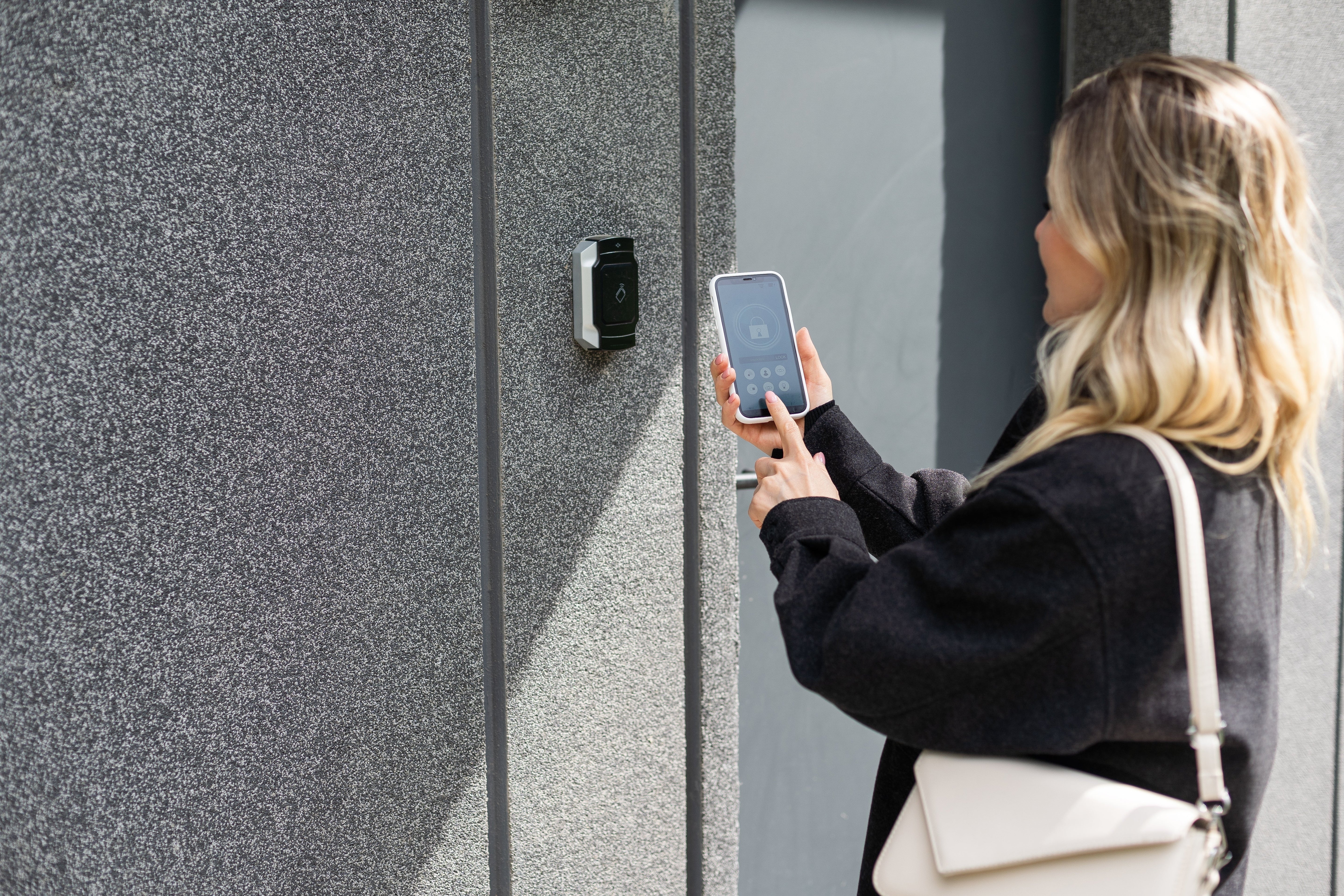
A Comprehensive Guide to Smart Home Security

A Comprehensive Guide to Smart Home Security

Smart home security has come a long way since motion-sensing floodlights and panic buttons on your alarm system. Today’s smart home solutions utilise and integrate all the modern convenience- and security-features, including cameras, motion sensors, smart-locks,-lights,and -thermostats, and professional monitoring to ensure your smart home protects what you value most – your family. In this comprehensive guide, you’ll learn all there is to know about smart home security, the benefits of proactively protecting your home, how to choose the right solution for your unique home security needs, and how to keep your home safe and your system running smoothly for years to come.


What Is Smart Home Security?

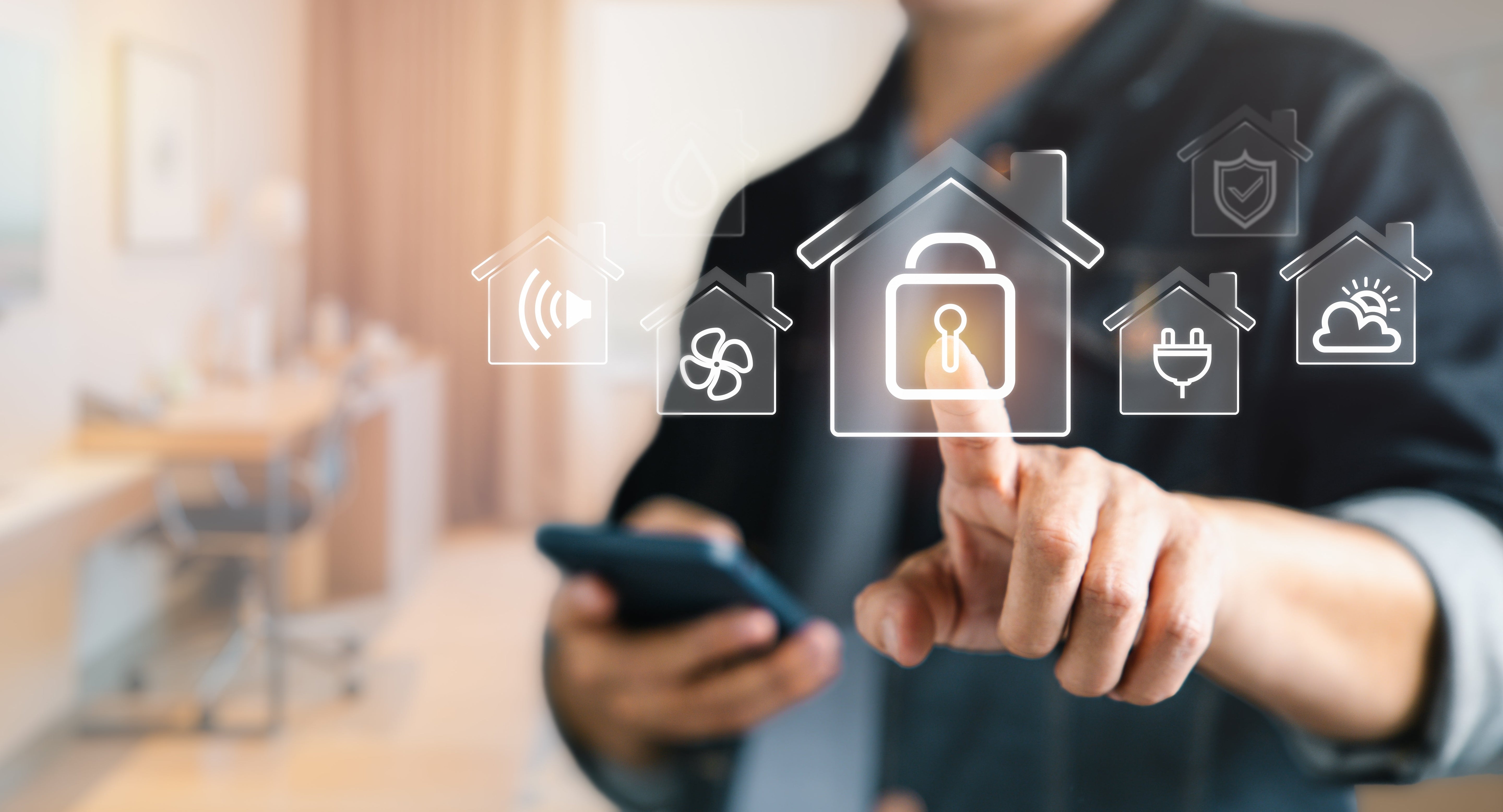
A “smart home” is a connected ecosystem of internet-connected devices and services that allow you to control your home appliances and electronics from, for example, a central hub, a cellphone or by voice command. Smart home security integrates systems like smart locks and functions like conditional logic to detect, deter and respond to risks; all while giving you convenient control over your home from anywhere. Smart home security can help you automate everyday routines that prioritise your family’s safety; removing the risk of human error and forgetfulness. For example, you can automate your smart home security system to lock doors and turn on outside motion-activated floodlights automatically at a set time each day. 
Smart home automation and security can integrate multiple devices and systems seamlessly, including:

  • Sensors: door/window, motion, glass-break, water leak, temperature, and smoke/CO₂ detectors.
  • Cameras: indoor, outdoor, wire-free, wired, and video doorbells.
  • Access control: smart locks and garage controllers.
  • Environmental control & automation: thermostats, lights, blinds, and conditional logic scenarios that run on schedules or one-button triggers.
  • Apps & platforms: a single app to arm/disarm, view cameras, lock doors, and automate routines.
  • Monitoring: professional monitoring that can dispatch help and verify alarms.

Rather than a collection of gadgets, a smart security system acts as a cohesive network. Devices “talk” to one another, so motion at the driveway can turn on floodlights, start a recording, and send an alert to your 24/7 SecurTek home monitoring team – without you lifting a finger.

What are the Benefits of Smart Home Security?

1) Smart Home Security Deters Crime

Having visible cameras, smart lighting and signage advertising the use of smart home security measures on your property can deter opportunistic criminals who are looking for easy targets.

2) Smart Home Security Enables Faster Emergency Response Times

If you do have an emergency at home, whether you are the victim of a crime or are suffering a medical emergency, your smart home security alerts and professional monitoring team can help enable faster emergency response times. Footage from automatic video recordings of such incidents can likewise help law enforcement and/or medical personnel better assist you when your home or your health are in danger.

3) Remote Control & Peace of Mind

Control your home from anywhere in the world and put your mind at ease! You can do all of the following right from your mobile phone:
Check the live video feed.

  • Let the kids in after school and lock up after them.
  • Close the garage door you forgot about when you left in a hurry this morning.
  • Turn on lights while you’re out of town to make the home look lived-in.

3) Smart Home Monitoring

Modern smart home systems aren’t only useful for crime deterrence or in case of medical emergency. Your smart home system can also alert you and your SecurTek monitoring team of fire, smoke, high carbon monoxide levels, leaks, freezes and extreme temperatures in your home; allowing you to act quickly before small problems become big ones.

4) Insurance Savings & Evidence

Many insurers will offer you up to 20% off your insurance premiums just for having and maintaining a professionally installed and monitored smart home security system. If you ever need to make a claim, high-quality video and event logs can also provide clear evidence to support your claim; leading to fewer refusals and speeding up claims processing.

5) Smart Home Security Can Reduce Your Carbon Footprint

Automating functions like turning lights off in empty rooms and setting eco-friendly thermostat schedules can help you not only reduce your monthly electricity bill, but also your carbon footprint!

6) Peace of Mind Security for the Whole Family

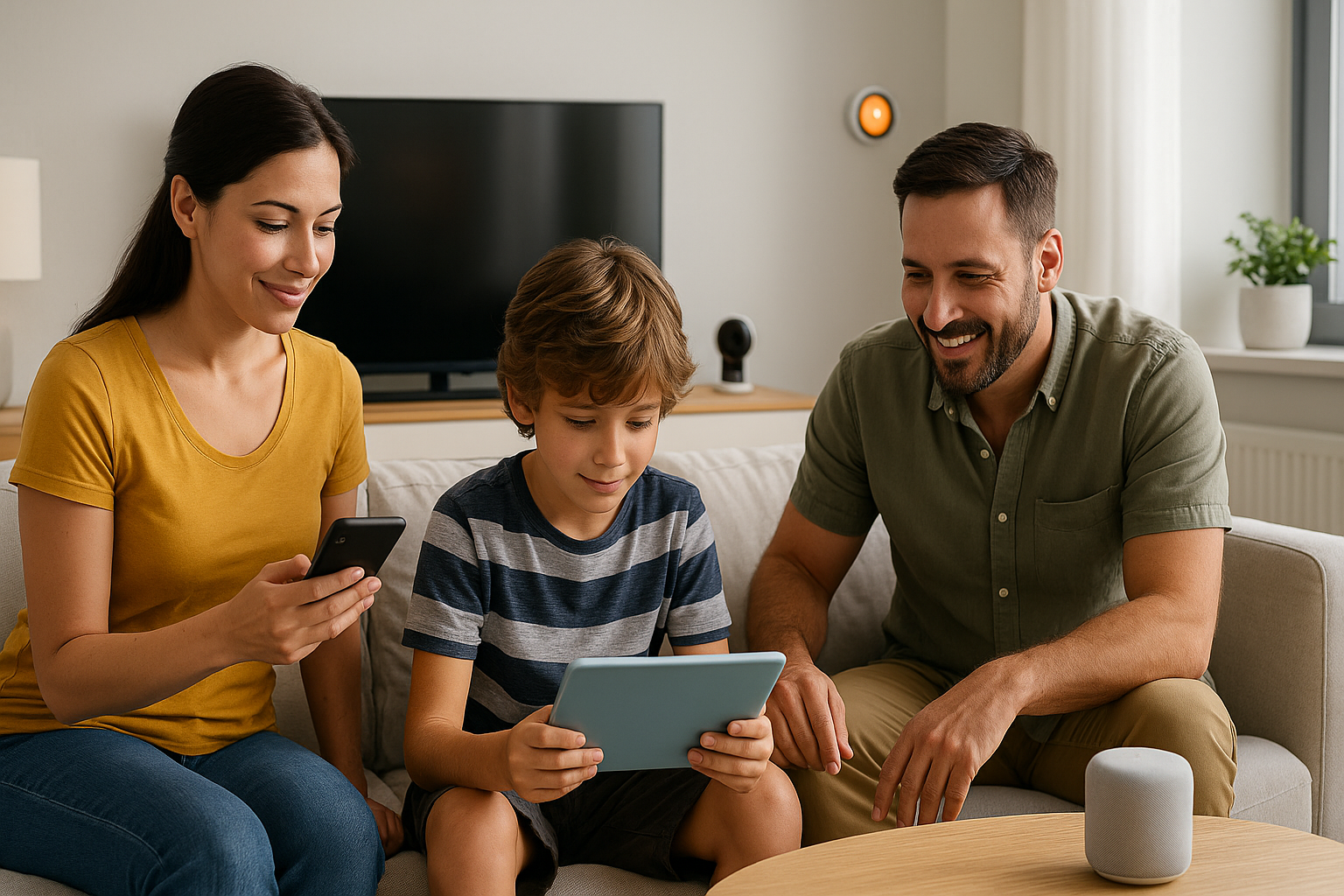
Whether you’re checking in on your pets on the live feed, confirming your teens got home safely after school, or monitoring your kids on the backyard rink from the comfort of your couch; smart security gives you peace of mind and lets you keep your eyes on the things that matter most without hovering.

What Kinds of Cameras & Devices Work Together?

A well-designed smart home security system starts with cameras that suit your property’s layout and your individual lifestyle requirements.

What Kinds Of Cameras Do I Need?

  • Doorbell cameras are your first line of defense. They allow you to identify visitors without opening your door, communicate through two-way radio, and monitor package deliveries and other events occurring on your doorstep without putting yourself at risk.
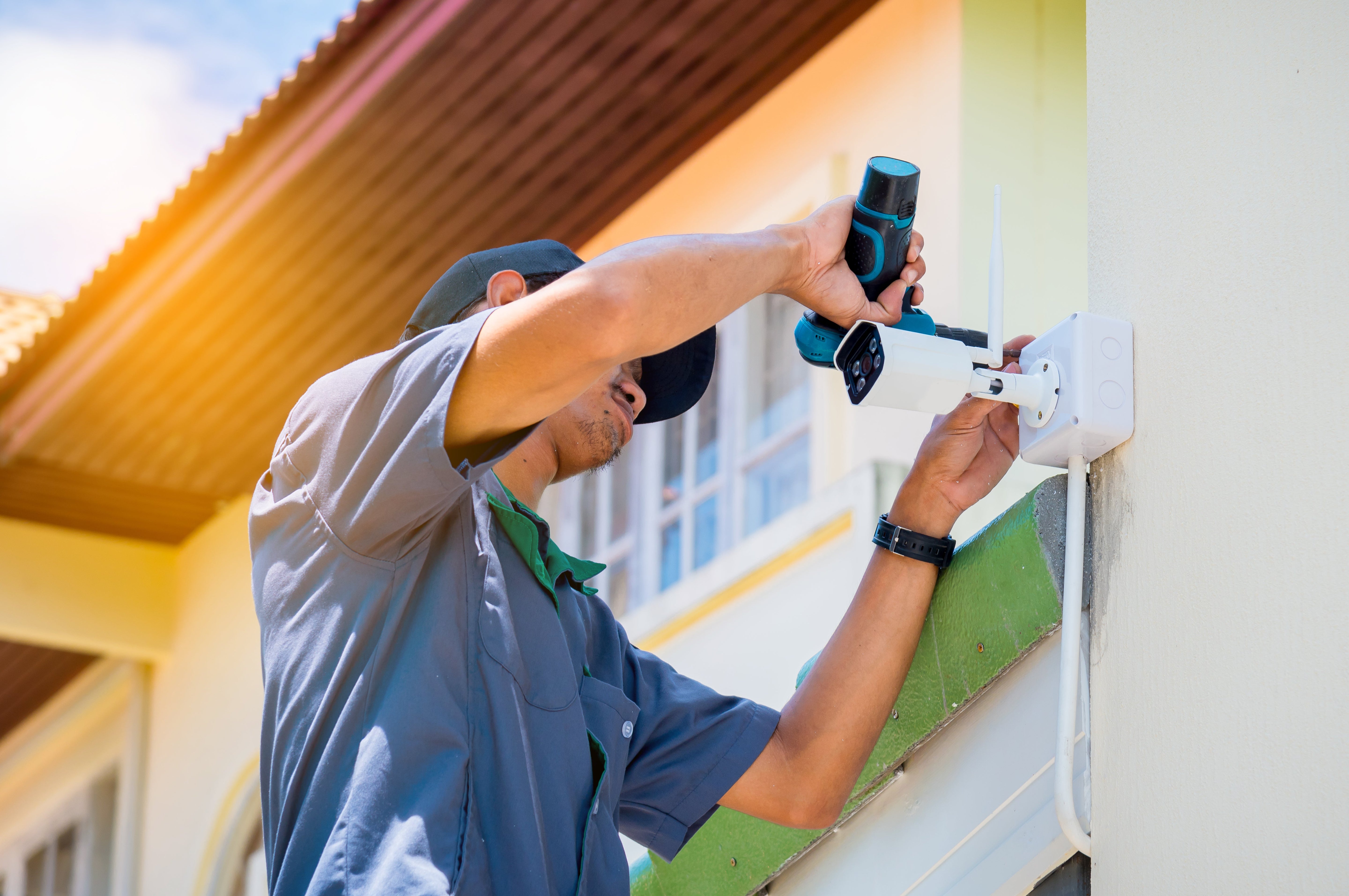
  • Outdoor Cameras provide a wider view of your surroundings and exterior property. These are typically weather-resistant units designed to offer coverage for driveways, side gates, backyards and detached garages. These units are also typically equipped with night-vision capabilities; to ensure that you’re capturing clear footage in low-light conditions and after dark.
  • Inside your home, indoor cameras keep an eye on your main living areas and hallways. The live feed and motion detection from these cameras can be used to automate things like lights turning on and off, and can be used to keep an eye on pets, teens and/or service providers when you’re not home.

These different kinds of cameras can connect to your smart home network in a variety of ways. 

  • Wired cameras offer the most reliable and stable connection, and are the most secure from a data-security standpoint. However, they typically require professional installation and/or integration.
  • Wireless (WiFi) cameras, meanwhile, typically run on batteries and are the easiest means to DIY smart home security. Because they’re reliant on WiFi and batteries, they’re only as reliable as your internet connection and your ability to keep them charged or replace their batteries. Due to the heightened risk of human error (forgetting to charge etc.), Jump.ca doesn’t offer wireless cameras that run on batteries at this time.

Ultimately, when you’re shopping for the right equipment for your smart home security set up, the right choices are the ones that work for you and your lifestyle. However, there are a few essentials that you want to focus on regardless of your broader-strokes/higher-level decisions:

  • High resolution video is essential to capture finer details like faces or license plates.
  • Reliable night vision
  • Smart motion detection to reduce the rate of false alerts.
  • Ample storage whether on a local SD or in the cloud, and
  • Mobile alerts with live view for instant access from anywhere in the world are just a few of the factors you’ll want to consider.

Where Should I Put Up Home Security Cameras?

Placement matters just as much as the quality of your chosen camera equipment. Even the highest quality camera can only capture what it is positioned to cover, so you’ll want to cover your bases. Ideally, you should position cameras to cover:

  • Key entry points including your front and back doors and any windows large enough to allow access to your home.
  • The perimeter of your property, including driveways, adjacent alleys, and any outbuildings (to detect trespassing early).
  • High-traffic indoor areas like hallways and the kitchen. 

When designing your home security system, it is not only important to carefully consider the placement of each individual camera in your array, but also their positioning relative to one another. A professional home security system design includes slight overlapping in your cameras’ field of view to eliminate blind spots.

How To Connect Cameras With Other Smart Home Devices to Increase Security

Your smart home network allows you to connect your security cameras and other devices, like smart locks, lighting, and more, to increase security by implementing automatic conditional logic in which one action triggers a series of events designed to detect, deter and/or mitigate risks. For example, you can have your smart lighting get triggered automatically when your camera detects motion outdoors. Or, you can have your hallway lights turn on at 30% brightness and the nearest camera start recording when your front door opens after 10pm.

How to Choose the Right Smart Home Security Solution?

Every home is different, and everyone’s home security needs are unique. We’ll sit down with you to filter out the noise, answer your questions, and help you design a professional smart home security system that meets your individual needs.

1) Clarify Your Goals & Risks

We’ll start by clarifying your primary goals for your home security system, and identifying potential risks. For example, are you primarily concerned about deterring petty crime, or about environmental protection? Are you concerned about identity verification or spend a lot of time away from home and want complete remote control of your home? We will identify who spends the most time in the home, whether it be kids, pets, or elderly relatives; and whether you need to keep tabs on them indoors or whether you’re concerned about them wandering out or others getting in. Lastly we’ll identify areas of exceptional coverage whether the be exterior e.g. detached garages, long driveways, swimming pools, storage sheds, or interior e.g. collectibles displays, artworks etc.

2) Home Size & Location

The next thing we’ll do is assess your home’s size and location to determine, for example, how many cameras are necessary for adequate coverage. Apartments and condos, for example, need fewer cameras, which means more resources can be dedicated to your doorbell camera and environmental sensors versus additional cameras to cover the perimeter. Suburban homes may require more cameras to ensure adequately overlapping coverage of the property perimeter including front doors, back doors, backyards, garages etc. For suburban properties you might consider including smart locks and lighting, while rural properties arguably require the most hardware due to the larger perimeters and darker nights. They may require additional outdoor cameras, outbuilding sensors and stronger smart lighting options than other properties.

3) Device & Platform Compatibility

The last thing you need is to install several different systems that don’t or can’t communicate with one another. That’s why designing and installing a fully-compatible smart home security system is so important. We can help you design a seamlessly integrated smart home security system in the reliable SecurTek ecosystem; to keep you protected and connected at all times

4) Monitoring Level

Whether you’re looking for 24/7 professional monitoring to take advantage of insurance discounts, or need real-time notifications triggered by specific events for self-monitoring purposes; we can help you determine the right monitoring level for your needs.

5) Network & Cyber Security

A big concern many families have when upgrading to a smart home security system is how their smart home ecosystem exposes them to cyber security threats. We will walk you through the right ways to protect your home and family from risk by utilizing smart home security systems wisely:

  • We’ll walk you through how to create strong, unique passwords and enable two-factor authentication.
  • We’ll teach you how to keep firmware and apps up to date.
  • We’ll walk you through the pros and cons of running a separate WiFi network for your smart devices to limit your exposure to risk.

6) Budget: One-time vs. Ongoing

It may be tempting to DIY smart home security, and to design and install your system yourself. However, the upfront equipment cost is only one piece of the puzzle. You don’t need the most expensive system, you need the right system. By balancing your up-front equipment cost with the ongoing cost of 24/7 professional monitoring and system maintenance, you can actually reduce your monthly expenditure by taking advantage of insurance rate discounts and value-added features.

7) Ease of Use

If a system is hard to use, you won’t use it. By prioritising ease of use and intuitive features, reliable notifications and simple automation tools; the best smart home security systems make everyday life easier.

How To Do Smart Home Security Maintenance?

Just like other safety gear, your smart home security system performs best when it’s looked after. Routine maintenance is quick, easy, and can make the world of difference in case of emergency. What does an ideal smart home security system maintenance schedule look like?

  • Weekly Checks (5-10min)

Walk around and double check that all your cameras are still working, positioned correctly and have clean lenses. For wireless devices, double check battery levels and charge or replace batteries as needed. Check your ecosystem health; install necessary updates and review any trouble alerts. 

  • Biannual Checks

Every six months, do a deep clean of your devices paying special attention to any wear, corrosion or loose housings. Replace any burnt out bulbs and verify your motion activation/motion sensors are working. Perform test automations to ensure all your triggers are still working as programmed.

  • Annual Professional Tune-Up

Once a year, have a professional technician test your back-up batteries, verify your monitoring signals, refine your motion zones and recommend updates that match current best practices.

Ongoing Smart Home Security Best Practices

  • Keep a simple maintenance log of the date, what you checked and what fixes were needed/made.
  • Fix issues and address error messages immediately to avoid any lapses in protection.
  • Trim foliage that might obscure your cameras or trigger motion sensors.
  • Make sure everyone in your home knows how to arm and disarm the system, and knows what to do in the event of an alarm. 


If you’re in Saskatchewan, Jump.ca offers Alarm.com-powered smart security with professional monitoring by SaskTel SecurTek—plus local expertise to design, install, and support a system that fits your home, whether you’re in a downtown condo, a suburban family home, or on an acreage.

Ready to protect—and simplify—your world?
Tell us about your home and priorities, and we’ll recommend a right-sized solution you can trust. Be safe. Be smart. Jump.

Back to blog